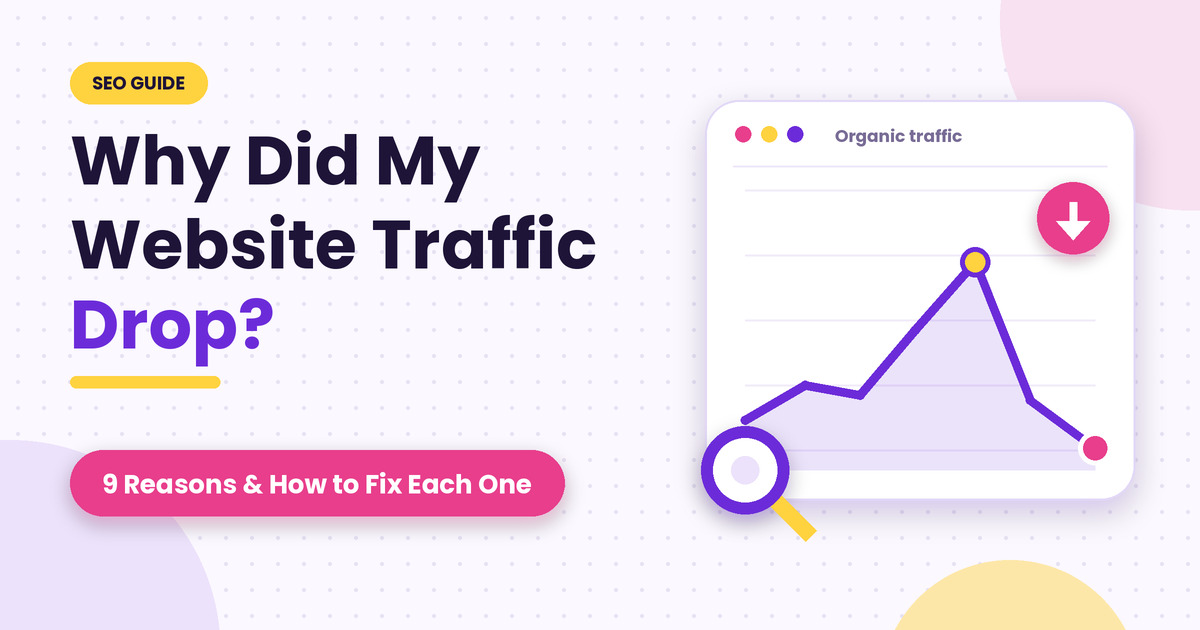
You open Google Analytics on your computer on a Monday morning and the line which was going up is now going down. This feeling of despair is understandable. Every single website in existence loses traffic at some point and the majority of the time the cause of said loss can be identified and rectified.
As an SEO agency in Mumbai, one of the questions we hear most from business owners is “How come my website traffic is decreasing and more importantly what should I do about it?”. Traffic falls for a handful of common reasons, and the trick is working out which one is yours before you start changing things.
Below you will find how you can identify the causes yourself first and then nine reasons for website traffic drop with actionable solutions. For readability, all information is in simple language.
First, work out what actually dropped
Typically, people go to the process of making edits to the page as soon as there are issues concerning attendance. One shouldn’t. Instead, one must spend some time on the following things mentioned below to understand.
- Pin down the date. In Google Analytics, go to the last three months, and look for the day when the trend line started to drop. When you compare the two periods, make sure you choose the same weekdays, as comparing a busy Monday with a quiet Sunday will not give you proper results.
- Ask what changed that day. Next, think about what could have happened on that day and ask your developer or agency about it. A lot of problems happen because of updates, redesigns, plugins, or moves to a new host – usually something they overlook.
- Find which traffic fell. Split it by Google search, paid ads, social media, email, and direct visits. If only Google traffic fell, it’s an SEO issue. If everything fell together, suspect tracking or a site outage.
- Open Google Search Console. For a website drop, Google Search Console is often the best place to start troubleshooting. Navigate to the Performance section and compare the past three months to the three preceding them. Look at your clicks, impressions, and average position.
- Find the pages: See which queries or pages are affected – are there some particular URLs underperforming? Sort them by the most clicks lost, and see if it’s a single page, several pages, or the whole website.
- Check demand. Look at the comparison and, ideally, the number of searches in Google Trends. If fewer people are searching for your keywords than there were a year ago, it might be a demand issue.
1. Google changed its rankings
“What if my organic traffic was impacted by a Google algorithm update?” is probably the most common question that we get. Google changes its Page Ranking algorithm several times a year, and some of these updates, the so-called core updates, impact thousands of sites every time, pushing them down in search results. This happens when Google’s algorithm deems other results to be more relevant to a query than your page.
To know for sure that your traffic drop was caused by a Google update, check if the drop occurred during a short period after an update. Google has a Search Status Dashboard where it officially posts the date of each algorithm update.
If it is the case, the only way to recover is to wait for a while for the update to fully take its course and then analyze a week or so of Search Console data before the update and a week or so after. Study the search results around the keywords that you rank for and try to improve your content based on the findings. There are no other options or tools, and you may have to wait for a few months in some cases.
2. Google now answers the question on its own page
“Why is my traffic falling, but my impressions are the same?” This is the question Google is making us ask. Google now shows AI-written summaries at the top of many searches. People read the summary and leave. Your page still appears, so impressions look fine, but fewer people click.
According to one field study, articles that had a summary displayed received a 38% decrease in clicks from the searches they appeared in. Seer Interactive has observed a 61% decrease in click-through rates for informational searches containing one of these summaries from mid-2024 to September 2025. Both these figures are taken from articles about the impact of these summaries, and reflect different methodologies.
How can you tell if you are being impacted? Impressions and position remain steady, but clicks are down, especially for “what is” and “how to” queries.
The solution is to provide additional value on these pages, beyond whatever information the summary is likely to show. This might include original statistics, tools, downloadable documents, case studies, and your own thoughts on the topic. Another thing to remember is that these summaries are not always to blame when clicks start declining.
3. Your tracking broke, not your traffic
Sometimes your site traffic is normal, but the counter is broken. This happens when the site is redesigned, some plugins are updated, or a cookie banner appears. You can check this by looking at the traffic drop to zero on one day in all channels, but the number of clicks in Search Console is displayed as normal.
In this case, you should go to the Realtime report in GA4 and try to open your site. If the tag is not installed, you will see that your traffic is not being processed in real-time. Google Tag Assistant should also help in this case. As a rule, the problem is that the universal tag has been removed from the site. You need to correct the code and wait for the changes to take effect; in the meantime, you can use Search Console to track traffic.
4. Technical problems on the site
Technical issues on the site cause the highest percentage of sudden traffic loss. They occur when:
- A robots.txt file with the user-agent Googlebot or the index parameter is forgotten after the test release of the website.
- There are broken links to the old CNAME after redesigning which return a 404 error since no one has set up redirects.
- The website loads slowly or frequently crashes.
- The website has been hacked, and spam pages have appeared on the server.
In the Google Search Console, go to the Pages page and see a list of all the pages that are not indexed and any errors. Check the robots.txt file by visiting yourdomain.com/robots.txt and ensure that it does not contain the line Disallow: /. Finally, check the Security issues section.
The solution: Remove the block in the robots.txt file, set up a 301 redirect from the old address to the new one, optimize large pages to load faster, update all the plugins, and remove the hacker’s files. The problem may also be caused by recent changes to the site.
5. Your content is old, or competitors got better
A post that was perfect several years ago can now have outdated facts, old screenshots, and missing sections for competitors’ fresh pages on the same topic. Some companies even take down their old pages and blog posts that still attract traffic. The main signs are loss of traffic on particular posts over time and higher SERP positions of competitors’ articles.
So, how do we fix it? update old posts rather than re-writing them.
Add new information to them, which high-ranking posts lack – statistics, studies, news, subsections that you missed previously. Besides, you should quote your recent articles and improve the title. In case of deleting a page, set a 301 redirect to the closest post in terms of topic. It will be the ultimate optimization hack for your old blog posts, and it is even a quick win sometimes.
6. You lost backlinks
A backlink refers to a link from one website to another and works like a vote of recommendation. A lost backlink occurs when a site that hosts a link to your site deletes it, goes offline, or updates its URL.
You can spot them by cross-comparing links in the Links report/Search Console or a backlink tool with previous months’ data. The most common suspicious links are high-Quality sites that have gone rogue.
The best way to deal with lost backlinks is to contact the site administrator and request them to reinstate the link. It is also advisable to check and update all your links that may be giving a 404 error to the web browser. Finally, you can get new backlinks by creating high-quality content, getting listed in relevant directories, and requesting guest posting. Avoid buying links as they might be flagged by Google, which could cause your site to be penalized.
7. What people want from the search has changed
You created a great guide, but now Google is showing short-form videos, product comparisons, or product pages in the featured snippet for that query instead. Your article is no longer relevant to the searches in the main keyword.
How to fix it? Go to Google and search for your main keyword. Look at the results on the first page. If the first several results are different from what you have on your page, that’s your answer. Now, you need to adjust to the new standard. If everyone is posting how-to guides on the first page of Google, it’s time to make a similar guide on your page. Or, if they are product comparisons, change your page to a product comparison page.
8. Your own pages are competing with each other
When you have several pages about the same topic, Google may not know which one to show. It swaps between them and none ranks well. This is called keyword cannibalization. So, how to tell: When you go in Search Console, search for your keyword in Performance, then open the Pages tab. If two or three of your pages show up, that’s the problem. You can fix this by merging the weaker pages into the strongest one and redirect the old addresses. If they really serve different needs, rewrite each so its purpose is clear.
9. It’s just the season
Some businesses naturally slow down at certain times. Travel, education, weddings, and festive shopping all have peaks and dips.
How to tell: compare this period with the same weeks last year, and check Google Trends. If the dip looks the same, it’s normal.
The fix: nothing needs fixing. Plan your content and ads ahead of the next peak, and don’t change a working site over a normal dip.
How to recover lost website traffic: a 4-week plan
If you’re wondering how to fix a traffic drop without wasting time, work in this order:
- Week 1: confirm the drop is real, rule out tracking errors and seasonality, and fix any technical problems.
- Week 2: refresh the pages that lost the most clicks.
- Week 3: merge competing pages, repair broken links, and add internal links to your best posts.
- Week 4: review Search Console, note what moved, and decide what to do next.
Write down every change with its date, and change one thing at a time where you can. Technical fixes can show results in days or a couple of weeks. Content fixes and update-related drops often take a few months, so be patient.
Still can’t find the reason?
If you’ve gone through these checks and the cause still isn’t clear, a second pair of eyes helps. Our team can run a free traffic audit, pinpoint what changed, and give you a clear list of fixes in order of priority. Get in touch and we’ll take a look.